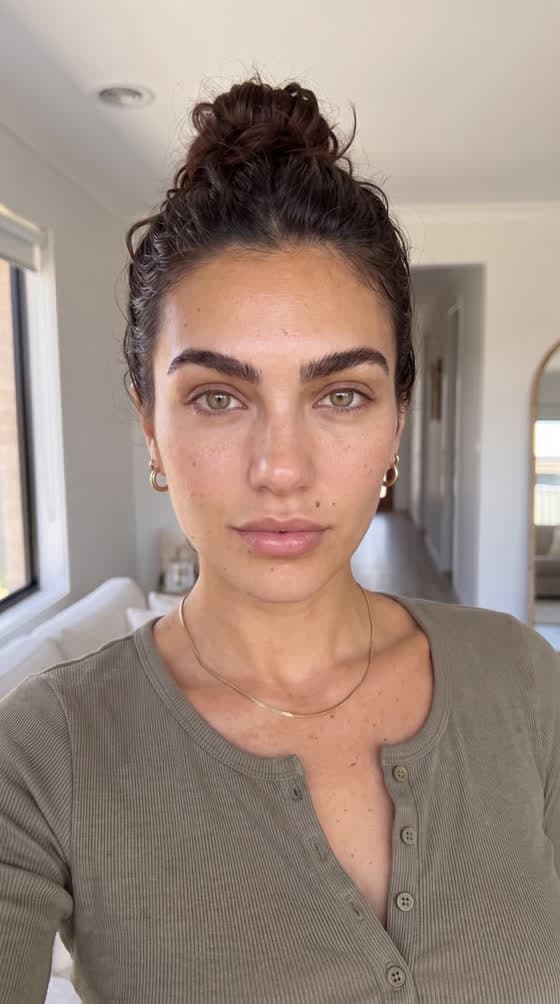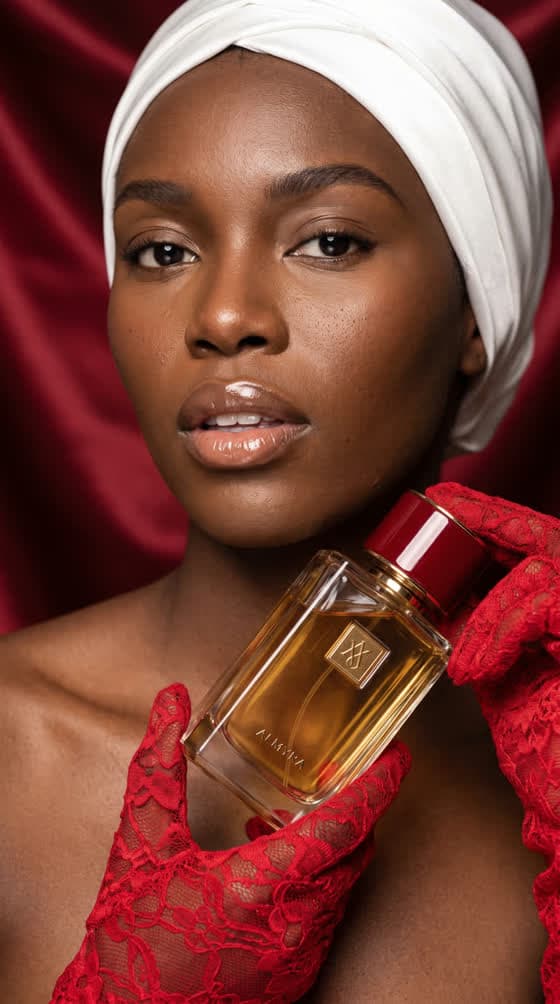

Why UGC, and why it falls apart with AI
UGC (user-generated content) means those videos filmed on a phone, facing the camera, in a bathroom, a car, a kitchen. No studio, no perfect light, no ad voice. That is exactly what makes them work: they look like what people already watch between their friends’ videos, not like an ad break.
Producing this format with real creators is expensive and slow: casting, shipping the product, script back-and-forth, usage rights. AI promises to do it in an afternoon. And it delivers… for one video.
The trouble starts with the second. The face drifts: the jaw softens, the hair changes shade, the gold chain disappears. The voice drifts: the accent moves, the pace speeds up, the timbre changes. Yet a UGC series relies entirely on seeing the same person again. When they change, viewers don’t think “oh, it’s AI”; they just drop off, without knowing why.
A UGC series is a person you recognise. If they change, everything collapses.
The result we’re aiming for
Here is a series produced in the ToolAcces Studio: one character, six situations. The set, light, lens and framing change every time. The face, beard, hair, t-shirt and chain do not.
 Reference
 Metro
Metro Balcony
 Product
This result doesn’t depend on a miracle model. It comes down to one rule: what defines the person is written once and never moves; everything else changes freely. The method fits in three locks.
Lock 1: the identity block
The identity block is a paragraph that describes the person, and nothing else: age, face shape, eyes, hair (colour, cut, style), skin and texture, jewellery, clothing. Not a word about the set, the light or the framing: those change in every scene, it never does. Here is our avatar’s:
A handsome man in his late twenties, editorial model features, strong jawline, dark brown wavy hair slightly tousled, light stubble, warm olive skin, brown eyes, athletic build, wearing a plain white fitted t-shirt and a thin gold chain necklace
What it contains, and why
- Features visible from afar: strong jawline, slightly tousled wavy hair, light stubble. These are what make the person recognisable on a phone screen.
- Distinctive marks: the thin gold chain. A recurring detail is a powerful anchor, for the model as for the viewer.
- Simple, fixed clothing: a fitted white t-shirt. The busier the clothing, the more likely it is to vary.
Approve it before anything else
The block will be copied into every prompt of the series. A mistake here (a forgotten “brown eyes”, a badly described haircut) is paid for as many times as there are scenes. Reread it, test it on two or three images, and only then freeze it.
The order of blocks in the prompt, which decides the render
A UGC avatar prompt is always assembled in the same order. It isn’t fussiness: the first words weigh more than the last in the model’s interpretation.
- Beauty descriptors, first
“Handsome”, “editorial model features”. They set the person’s register before anything else.
- Texture and realism
Visible pores, natural stubble, individual eyelashes, slight skin tone variation. This is what separates real skin from a plastic render.
- Camera and lens
28 mm, 35 mm, 50 mm depending on distance. The wide angle gives the natural distortion of a phone held at arm’s length.
- The light
The location’s light, named precisely: platform fluorescents, afternoon sun under a red awning, a desk lamp at night.
- The composition
The framing (“from chest up”) and what can be glimpsed behind, blurred.
- “Shot on iPhone 17 Pro Max front camera”
The line that pulls the whole render toward a believable selfie rather than a studio photo.
- The negatives
The usual ones (cartoon, CGI, plastic skin, watermark), plus “ordinary-looking person” and “beauty filter”.
Why beauty before realism
It is the most counter-intuitive rule. If texture terms come first (“visible pores”, “no retouching”), they pull the whole render toward documentary, and the model outputs an ordinary person photographed realistically. Placed after the beauty descriptors, they produce the opposite: a model photographed realistically. Which is exactly what a good UGC creator does.
Here is the full prompt for the metro scene. Spot the blocks:
USE THE REFERENCE IMAGE FOR FACE IDENTITY ONLY. DO NOT REPLICATE THE BACKGROUND, FRAMING, LIGHTING, OR CAMERA ANGLE FROM THE REFERENCE.

A handsome man in his late twenties, editorial model features, strong jawline, dark brown wavy hair slightly tousled, light stubble, warm olive skin, brown eyes, athletic build, wearing a plain white fitted t-shirt and a thin gold chain necklace, relaxed confident expression, standing on a Paris metro platform, mouth closed.

ultra-realistic cinematic photography with natural imperfections
visible skin pores, natural stubble texture, individual eyelashes, slight skin tone variation
shot on a 28mm wide lens, natural smartphone perspective distortion
cool fluorescent platform lighting from above, realistic hard shadows
medium close-up from chest up, white tiled metro walls, RATP signage and a train softly blurred behind him

Shot on iPhone 17 Pro Max front camera

NEGATIVE: No cartoon, no CGI, no 3D render, no plastic skin, no beauty filter, no ordinary-looking person, no amateur styling, no text, no logo, no watermark
Realism is a matter of millimetres
The realism of an AI face is read in details we look at without knowing it: a pore, an eyelash, a tone shift at the corner of the eye. The shots below, generated in the Studio in 4K, show the level of detail you can reach when the realism block is placed right.
Lock 2: the reference image
The identity block describes; the reference image shows. Together they leave very little room for interpretation. The reference is a simple image of your character: front-facing, shoulders up, on a neutral background, with no distracting set.
The line that changes everything
Attaching a reference has a side effect: the model tends to copy the whole image, grey background and framing included. So every scene prompt starts with this line, in capitals:
USE THE REFERENCE IMAGE FOR FACE IDENTITY ONLY. DO NOT REPLICATE THE BACKGROUND, FRAMING, LIGHTING, OR CAMERA ANGLE FROM THE REFERENCE.
Without a reference: find the face first
If you start from scratch, don’t look for the perfect face on the first try. Generate a broad batch, with no set constraint, from the identity block alone. Keep two or three, not one: a face that looks ideal as a still sometimes collapses once animated (frozen expression, a smile that distorts the jaw). Test the animation, then choose.
Never someone else’s face. Don’t use a real person’s photo without their written consent, and don’t try to look like a celebrity. An avatar generated from scratch is yours; a borrowed face exposes you.
Lock 3: the voice block
It is the piece nobody guesses, and the one that decides. A viewer forgives a slight change of light; they don’t forgive a voice that changes. The voice block is the audio twin of the identity block: written once, copied word for word into every talking video prompt.
VOICE: native English speaker, natural General American accent (not British, not Australian). Man in his late twenties, warm medium-low voice, slightly husky. Speaks at the pace of a voice note to a close friend: relaxed, small natural pauses, no rush. No vocal fry, no influencer cadence, no news-presenter voice, no radio announcer tone.
What it must name
- The language and the precise region. “English” isn’t enough: the model may pick a British or Australian accent. “General American accent” closes the door.
- Age and timbre. Low, medium, slightly husky.
- The pace, compared to a real situation. “Like a voice note to a friend” means more to the model than “medium speed”.
- What to avoid. No vocal fry, no influencer cadence, no presenter voice. That is what separates UGC from a radio ad.
The only thing that varies: the acoustics
From one scene to the next, you add a single sentence at the end of the block: the location’s. A voice with no echo in a bathroom sounds fake; so does a studio voice in the street.
| Location | Acoustics sentence |
|---|---|
| Bathroom | Natural bathroom acoustics with a slight echo. |
| Car | Natural car interior acoustics, muffled street sounds outside. |
| Street | Natural outdoor acoustics, light street traffic. |
| Metro | Indoor metro acoustics with train sounds. |
| Supermarket | Natural supermarket acoustics. |
Choosing sets without the series repeating itself
Once the person is locked, the whole point is to take them places. Sets are chosen by family rather than one by one: what you are really deciding is a register — intimate, outdoors, car. Golden rule: never two scenes from the same family in a row.
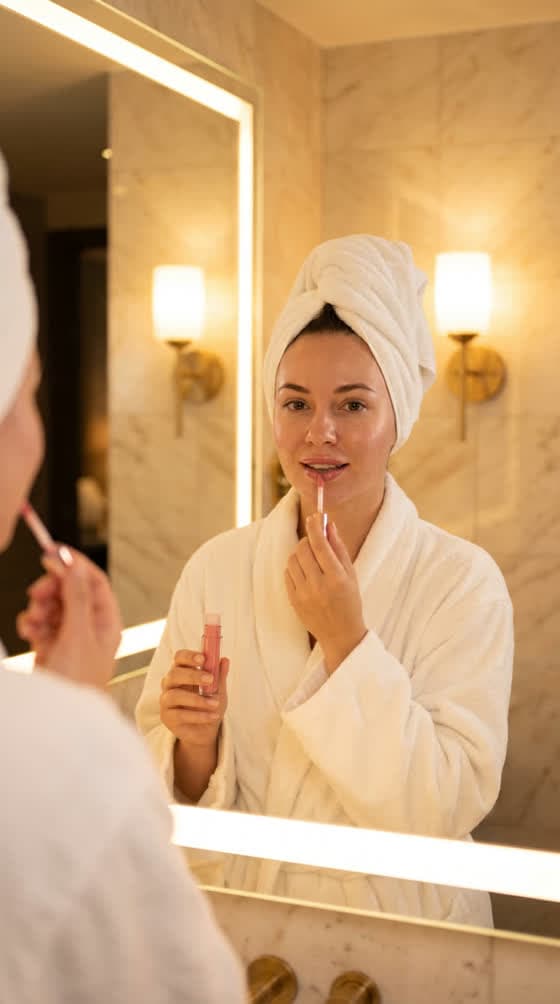
Bathroom, mirror selfie, morning routine. The closest register.

Kitchen, sofa, bedroom. The product in real life.

Terrace, street, rooftop. Air and natural light.
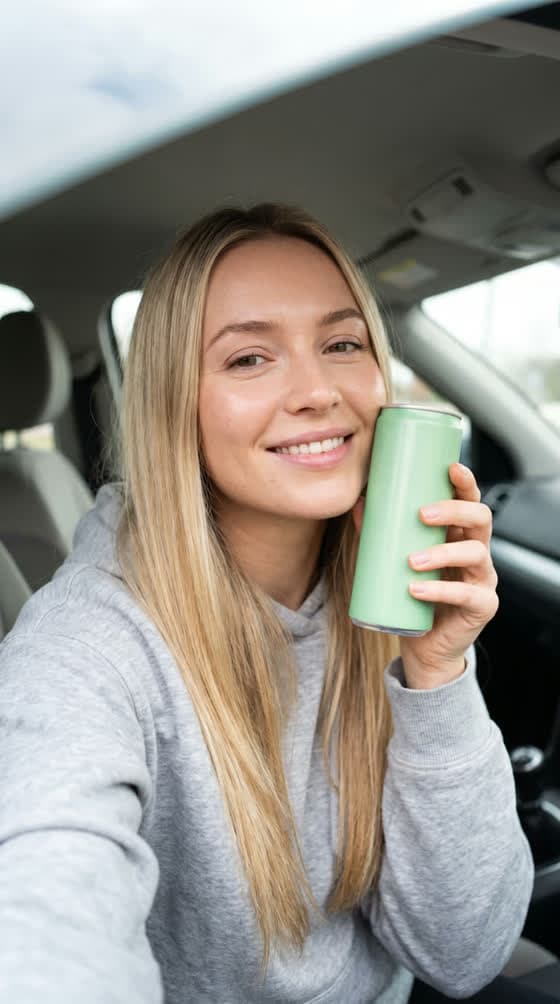
Passenger seat, parked. The quintessential UGC set.
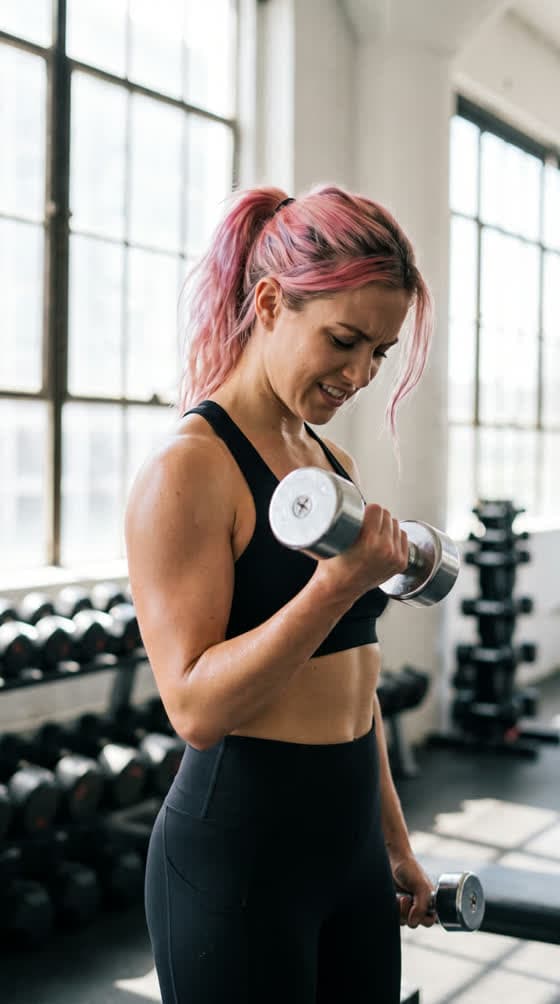
Post-workout selfie. Energy and sincerity.
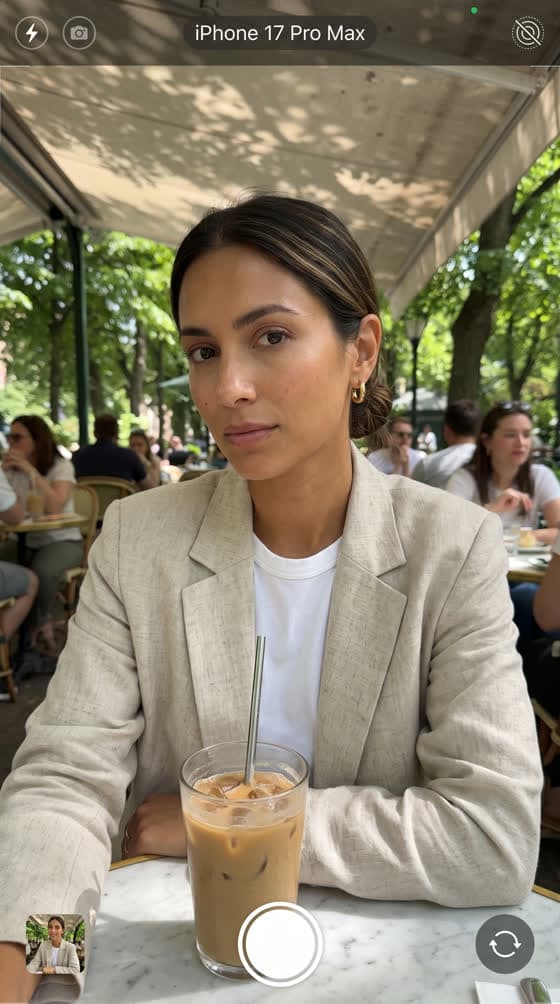
Café, restaurant, evening. The product in a social moment.
Vary the scale too: close-up, waist-up, full body. The set and framing change; the person, never.
Animating the avatar and making it talk
An image isn’t enough: UGC lives in video. There are two ways to bring the avatar to life, answering two different needs.
| Native-audio video model | HeyGen talking avatar | |
|---|---|---|
| Examples in the Studio | Seedance 2.0, Veo 3.1, Kling with sound | HeyGen, from the avatar’s photo |
| Length per generation | Roughly 5 to 10 seconds | Up to 60 seconds |
| What you provide | The starting image and a prompt describing the gesture and the line | The text to say (or your own audio) and a voice |
| Strength | Gestures, movement, life within the set | Long face-to-camera take, lip-synced |
| Best for | Short shots, hooks, demos | Explainers, presentations, tutorials |
A silent shot: a single gesture
For shots without speech, the rule is that of any animation: one gesture, plus what doesn’t move. Here is the real prompt for the terrace scene.
A handsome man sits at a Parisian cafe terrace, marble bistro table in front of him. Slow gentle push-in camera movement toward him. He picks up the espresso cup from the table with one hand, brings it to his lips, and takes a slow unhurried sip while looking slightly off to the side, then lowers the cup back down onto the saucer with a soft clink. Natural relaxed body language, no rush. Warm late afternoon sunlight, dappled shade from the red awning, realistic soft shadows. Ultra-realistic, natural skin texture, real phone camera look, mild grain. Silent, no dialogue, no added music.
A talking shot: the voice block goes in the video prompt
It is the most common mistake: writing the voice in the image prompt. An image has no sound; the voice block belongs in the video prompt, together with the line to speak, in quotes, in the target language.
Handheld selfie video, phone at arm's length, the man from the reference image sitting in the passenger seat of a parked car, holding an iced coffee can. He looks into the lens and says: "Three things I wish I'd known before making iced coffee at home." Small natural head nods, one hand gesture.

VOICE: native English speaker, natural General American accent (not British, not Australian). Man in his late twenties, warm medium-low voice, slightly husky. Speaks at the pace of a voice note to a close friend: relaxed, small natural pauses, no rush. No vocal fry, no influencer cadence, no news-presenter voice, no radio announcer tone. Natural car interior acoustics, muffled street sounds outside.

No background music, no voice-over, no subtitles, no on-screen text.
With a HeyGen avatar, the voice lock takes another form: pick a voice from the library (or upload your own audio) and keep exactly the same one for the whole series. To go further on voices, see why an AI voice sounds robotic.
Building a 30- to 60-second video
A long UGC video isn’t a sixty-second shot: it is a sequence of segments, each with its own goal. Without that structure, you repeat the same hook-demo-call structure four times, and viewers leave halfway.
- Hook and context
The most attention-grabbing moment, from the first second. The product can appear, but no sales pitch.
- Usage
The product opened, applied, shown. Explain what it is and what it’s for.
- Proof
A believable result, a demonstration, a common objection and its answer, a tip.
- Payoff and call
The product as part of daily life, then a casual recommendation.
Each segment is generated separately, then edited back to back. Same character, same location, same light and the same voice block in all of them: that is what gives the impression of a single take filmed by the same person. For editing and subtitles, see how to edit and subtitle an AI video.
What kills a generated UGC video
- Studio lighting. Nobody films their morning routine under three softboxes.
- Poreless skin. The beauty filter is the signature of an image generated without care.
- Impossible hands, a floating product, a warped label.
- Background music or voice-over added by the model: always specify “no background music, no voice-over”.
- On-screen text generated in the image: subtitles are added in the edit, never in the prompt.
- Influencer speak. “Game changer”, “I’m obsessed”, “literally insane”: viewers recognise those tics in a second.
- An identity block rewritten along the way. One more adjective, and it’s someone else.
The rules: an avatar is not a customer
This is the point you can’t get around. Classic UGC draws its strength from the fact that a real person really used the product. An AI avatar, by definition, hasn’t. Having it tell a lived experience (“I tested it for a month, my skin changed”) amounts to manufacturing a fake testimonial.
In Europe, unfair commercial practices law prohibits posing as a consumer and publishing fake reviews. In the United States, the FTC has banned fake testimonials since 2024, including AI-generated ones. The EU AI Act also requires, since August 2026, disclosure of certain synthetic content depicting people, and ad platforms have their own labelling rules.
What an avatar can do
- Present the product, like a host would.
- Demonstrate how it’s used, step by step.
- Explain its ingredients, how it works, its limits.
- Answer customers’ frequent questions.
What it must not do
- Claim to be a customer, or to have used the product.
- Announce a personal result (“I lost”, “my skin changed”).
- Deliberately resemble a real person.
The obligations are detailed in what the AI Act changes for your creations. Good news: the “host” format works very well, precisely because it keeps the tone and settings of UGC without lying about who is speaking.
Automating: the avatar from your AI assistant
This whole method is available in the ToolAcces MCP connector, as a command: avatar-ugc. You describe the character in one sentence (“28-year-old man, dark hair, coffee lifestyle”); the assistant writes the identity block and submits it to you, then the voice block, picks sets without ever repeating a family, orders every prompt the right way, and announces the cost before launching.
If you have a reference image, it uploads it once and attaches it to every generation, with the capitalised line at the top of the prompt. Everything is explained in our MCP feature, and the same locking logic applied to products is detailed in the twelve-visual consistent campaign.
Frequently asked questions
Because every generation starts from zero and reinterprets your description. If the description of the person varies, even by one word, or is mixed with the set, the model rebuilds a slightly different face. The identity block, copied verbatim, and the reference image attached to every generation remove most of that drift.
With a voice block copied word for word into every video prompt: language and region, age, timbre, pace, things to avoid. Only the acoustics of the location change. If you use a talking avatar with a synthetic voice, pick one voice once and for all and never change it.
No. Passing off a generated character as a consumer who really used the product is a misleading commercial practice, and fake testimonials are explicitly targeted in both Europe and the United States. An AI avatar can present, demonstrate, explain; it must not invent a lived experience.
A video model generates shots of roughly 5 to 10 seconds. A 30- to 60-second video is built from segments edited back to back, each with its own goal. For a single continuous talking take, the Studio's HeyGen avatar goes up to 60 seconds.
No, and it is better to do without: first generate a batch of faces, keep one, and that image becomes the reference. Never use a real person's face without their written consent, nor a face deliberately resembling a celebrity.
Because UGC must look like what people film themselves: wide-angle lens, slight perspective distortion, arm's-length framing. That line pulls the render toward a believable selfie rather than a studio photo, which instantly gives the ad away.